
Here are two ways to rename your database if you ever need to change the name.
I just created a new database for the applications group called AccountsPayable. Good for me, now I can go about my day.
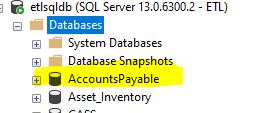
The next day they say the database name needs to be changed to AcctsPay. Ok you can right click the database name and choose rename and change the name. You need to be sure there are no connections active on the database or you will not be able to change the name.
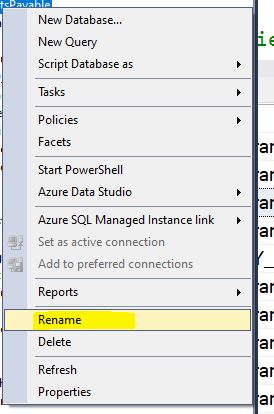
After selecting rename, you can change the name.
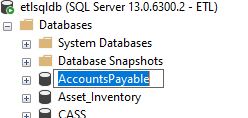
The name is changed.
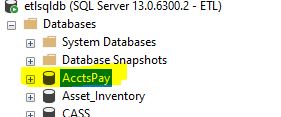
The next day they come back to you and say the original name is the correct name, can you change it back? This time I am going to use the TSQL command ALTER DATABASE
From SSMS, I execute this command:
ALTER DATABASE AcctsPay MODIFY NAME = AccountsPayable
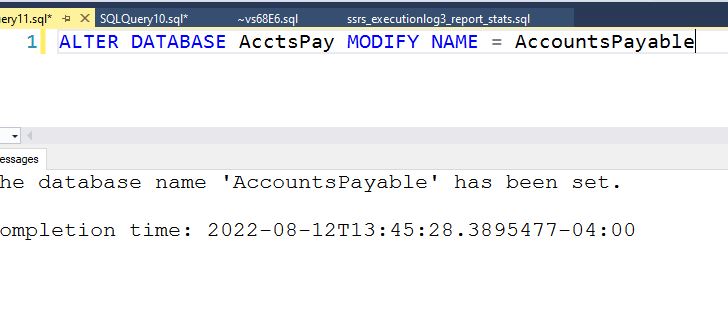
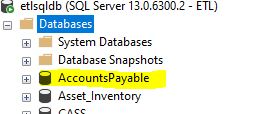
The database name is changed back. The same rules apply where nobody can be connected to the database to be able to change the name.
To read more about the ALTER DATABASE command please follow this link: https://learn.microsoft.com/en-us/sql/t-sql/statements/alter-database-transact-sql?view=sql-server-ver16&tabs=sqlpool

